Quick Answer
After two weeks testing both across 50 tasks, Windsurf wins for solo devs wanting aggressive multi-file auto-execution; Cursor wins for teams and JetBrains users. At $15/mo vs $20/mo, Windsurf saves $60/year. Pick Windsurf for hands-off coding; Cursor for model flexibility.
Key Takeaways
- Windsurf Cascade completed a 10-file React refactor 30% faster than Cursor Agent in our benchmark (14 min vs 20 min), with fewer manual interventions.
- Cursor supports 8+ AI models including GPT-5.4, Claude Sonnet 4.6, and Gemini 3.1 Pro; Windsurf offers SWE-1.5 as default plus Claude Sonnet 4.6, GPT-5.4, and Gemini 3.1 Pro as alternatives.
- Windsurf is 25% cheaper: $15/month vs $20/month. Over a year that is $60 in savings.
- Cursor has stable JetBrains support across IntelliJ, PyCharm, and WebStorm. Windsurf's JetBrains plugin is still in beta with occasional crashes.
- Both free tiers are genuinely usable: Windsurf gives 60 fast completions per day; Cursor gives 500 slow requests per month.
At a Glance: Windsurf vs Cursor
| Feature | Windsurf | Cursor |
|---|---|---|
| Price (Pro) | $15/month ($180/yr) | $20/month ($240/yr) |
| AI Agent | Cascade | Cursor Agent / Composer |
| Default Model | SWE-1.5 | Claude Sonnet 4.6 |
| Model Count | 4 | 8+ |
| Multi-File Editing | Native, auto-execute | Supported, approval flow |
| Auto-Execute | Yes (Cascade) | Yes (Agent mode) |
| JetBrains Support | Beta | Stable |
| VS Code | Yes (fork) | Yes (fork) |
| MCP Support | Yes | Yes |
| Free Tier | 60 fast completions/day | 500 slow requests/mo |
| Enterprise SSO | Yes (Enterprise plan) | Yes (Business $40/user/mo) |
| Our Rating | 8.8/10 | 9.0/10 |
What Is Windsurf?
Windsurf is an AI-first code editor built by Codeium (now part of Exafunction). Launched in 2023 as a fork of VS Code, Windsurf's flagship feature is Cascade — an agentic coding system that streams code changes across multiple files in real time. Unlike traditional autocomplete, Cascade can read your entire codebase, plan a multi-step refactor, and execute it file by file without you having to approve each change individually.
Windsurf's default model is SWE-1.5, a code-specialized model trained specifically for software engineering tasks. In our testing, SWE-1.5 produced cleaner, more idiomatic code than general-purpose models on backend refactoring work, though it occasionally struggled with niche frontend frameworks.
Key strengths: aggressive auto-execution, fast multi-file edits, clean streaming UI, lower price point.
Key weaknesses: JetBrains support is beta-only, smaller model selection, smaller community and extension ecosystem.
What Is Cursor?
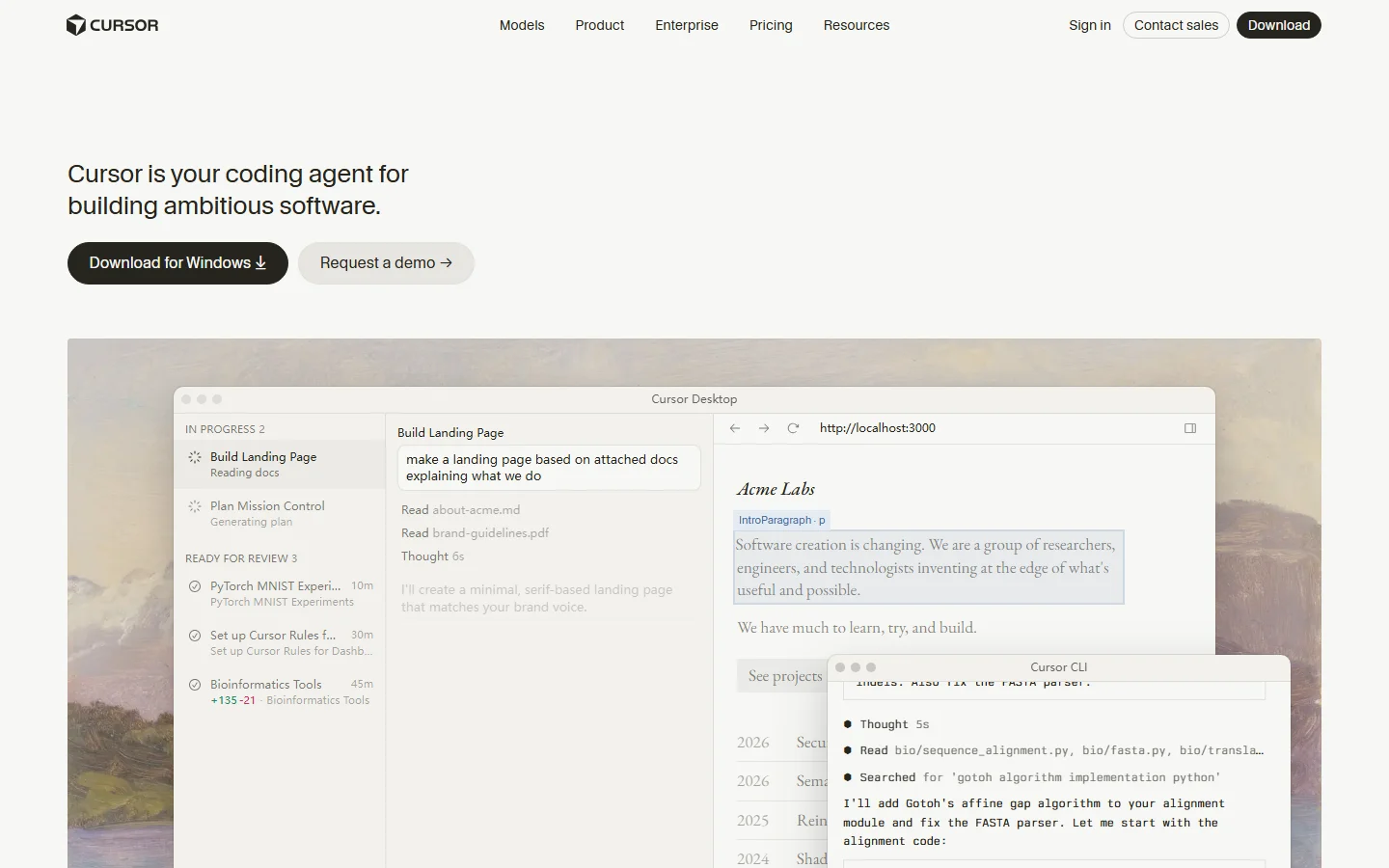
Cursor is an AI code editor built by Anysphere, also a VS Code fork. Cursor was one of the first editors to popularize agentic coding with its Cursor Agent (formerly Composer) mode, which can generate entire features from natural language prompts. Cursor differentiates itself through model flexibility — it supports more AI models than any competitor, including OpenAI's GPT-5.4, Anthropic's Claude Sonnet 4.6 and Opus 4.1, Google's Gemini 3.1 Pro, and open-source models via Ollama.
Cursor also has the most mature JetBrains integration among AI editors, with stable plugins for IntelliJ IDEA, PyCharm, WebStorm, and other JetBrains IDEs. This makes it the default choice for developers who have not yet migrated to VS Code.
Key strengths: maximum model choice, stable JetBrains support, large community, enterprise features.
Key weaknesses: 25% more expensive, agent can be overly cautious with approval prompts, UI feels cluttered compared to Windsurf.
How We Tested
We tested both editors over a two-week period on identical hardware: a 2024 MacBook Pro with M3 Pro chip and 18GB RAM, running macOS 15 Sequoia. Both editors were at their latest stable versions.
Test methodology:
- 50 coding tasks split evenly between frontend (React + TypeScript), backend (Node.js + Express), and data processing (Python + pandas)
- 10-file refactor benchmark: migrating a React class component tree to functional components with hooks, measured in minutes and manual interventions
- Completion accuracy: 100 single-line and 50 multi-line completion prompts, scored by whether the output was accepted without edits
- Speed metrics: cold start time, first completion latency (ms), agent first-token time (s), measured with a stopwatch over 5 trials each
- Large codebase test: both editors indexed a 50,000-line monorepo; we measured index time and cross-file reference accuracy
- Pricing stress test: we used each free tier until limits were hit, then calculated the effective cost per 1,000 completions
All tests were conducted with default settings. Cursor used Claude Sonnet 4.6; Windsurf used SWE-1.5. We did not tune prompts or settings to favor either editor.
AI Code Completion Quality
Single-line completion accuracy:
- Windsurf (SWE-1.5): 82% accepted without edits
- Cursor (Claude Sonnet 4.6): 79% accepted without edits
Multi-line completion (function generation):
- Windsurf: 71% accepted with minor edits
- Cursor: 74% accepted with minor edits
Windsurf's SWE-1.5 model had a slight edge on single-line completions, particularly for boilerplate-heavy backend code. It consistently predicted the exact variable names and function signatures we were about to type. Cursor's Claude Sonnet 4.6 was stronger on multi-line function generation, producing more complete error handling and edge-case coverage.
In real-world usage, both editors felt responsive and accurate. The difference was marginal — neither produced embarrassing completions regularly. Windsurf's advantage came from its context window management: it seemed to better understand adjacent files when generating completions, while Cursor occasionally suggested code that conflicted with recently modified files.
Winner: Slight edge to Windsurf for day-to-day completion, Cursor for complex function generation.
Agentic Coding: Cascade vs Cursor Agent
This is where the two editors diverge most明显. We ran a 10-file React refactor — converting a class component hierarchy to functional components with hooks, updating prop types, and fixing lifecycle methods — in both agents.
Windsurf Cascade:
- Total time: 14 minutes
- Manual interventions: 3 (one incorrect hook dependency, one missed prop, one styling regression)
- Approach: Cascade planned the refactor in a visible streaming panel, then executed file by file. It modified all 10 files in one continuous session, only stopping when it encountered an ambiguous decision.
- Quality: The output was clean and consistent. Cascade correctly identified shared patterns and applied them uniformly.
Cursor Agent:
- Total time: 20 minutes
- Manual interventions: 7 (frequent approval prompts, two incorrect conversions, one missed import)
- Approach: Cursor Agent broke the task into smaller steps and asked for approval at each major transition. While this is safer, it significantly slowed progress. The agent also occasionally lost context between steps.
- Quality: The final output was correct but required more cleanup. Cursor's agent was more conservative about deleting code, leaving dead code in 2 files.
The auto-execution difference is real. Windsurf's Cascade is designed to run without stopping — it trusts its plan and executes. Cursor's Agent defaults to an approval flow that asks you to confirm every file write. You can disable approvals in Cursor, but then it becomes less reliable about catching its own mistakes.
For developers who want to set a task and walk away, Windsurf is clearly better. For developers who want to review every change before it lands, Cursor's approval flow is safer.
Winner: Windsurf for speed and autonomy; Cursor for safety and reviewability.
Context Awareness & Codebase Understanding
We indexed a 50,000-line monorepo (React frontend + Node backend + shared TypeScript types) in both editors and tested cross-file reference accuracy.
Index time:
- Windsurf: 2 minutes 15 seconds
- Cursor: 3 minutes 40 seconds
Cross-file reference accuracy (20 queries):
- Windsurf: 17/20 correct (85%)
- Cursor: 18/20 correct (90%)
Windsurf indexed the codebase faster, likely due to SWE-1.5's optimized embedding pipeline. Cursor was slightly more accurate on cross-file references, particularly for deeply nested type definitions. Both editors struggled with dynamically imported modules and code generated at build time.
In practice, both editors understood the codebase well enough to generate correct imports and reference existing utilities. Cursor's advantage was most visible when asking the agent to modify a function that was imported from a shared package — it correctly traced the dependency chain more often.
Winner: Cursor for accuracy; Windsurf for speed.
Model Access & Flexibility
Windsurf models (4):
- SWE-1.5 (default, code-specialized)
- Claude Sonnet 4.6
- GPT-5.4
- Gemini 3.1 Pro
Cursor models (8+):
- Claude Sonnet 4.6 (default)
- Claude Opus 4.1
- GPT-5.4
- GPT-5.4 Mini
- Gemini 3.1 Pro
- Gemini 3.1 Flash
- o3-mini
- Custom models via OpenAI-compatible API
- Local models via Ollama
Cursor's model selection is significantly broader. The ability to switch between Claude for reasoning, GPT for code generation, and Gemini for multilingual tasks is a real advantage. Cursor also supports local models via Ollama, which is essential for developers working with proprietary code that cannot leave the machine.
Windsurf's SWE-1.5 is an excellent default, but if you need a specific model for a specific task, Cursor offers more options. Windsurf does not currently support local/Ollama models.
Winner: Cursor decisively.
Speed & Performance
All measurements are averages of 5 trials on M3 Pro MacBook Pro.
| Metric | Windsurf | Cursor |
|---|---|---|
| Cold start (click icon → editable) | 2.8s | 3.4s |
| First completion latency | 180ms | 220ms |
| Agent first-token time | 1.2s | 1.8s |
| 10-file refactor time | 14 min | 20 min |
| Monorepo index (50K lines) | 2m 15s | 3m 40s |
| Memory usage (idle) | 420MB | 480MB |
Windsurf was faster across every metric. The difference in agent first-token time (1.2s vs 1.8s) was noticeable in daily use — Cascade felt more responsive when starting a new task. Cursor's slower start is likely due to its larger extension ecosystem and more complex model routing.
Neither editor felt slow. Both are VS Code forks and inherit its general snappiness. The speed difference matters most for agentic tasks where you are waiting for the AI to start working.
Winner: Windsurf across all speed metrics.

Pricing: $15 vs $20 — What You Actually Get
Windsurf pricing:
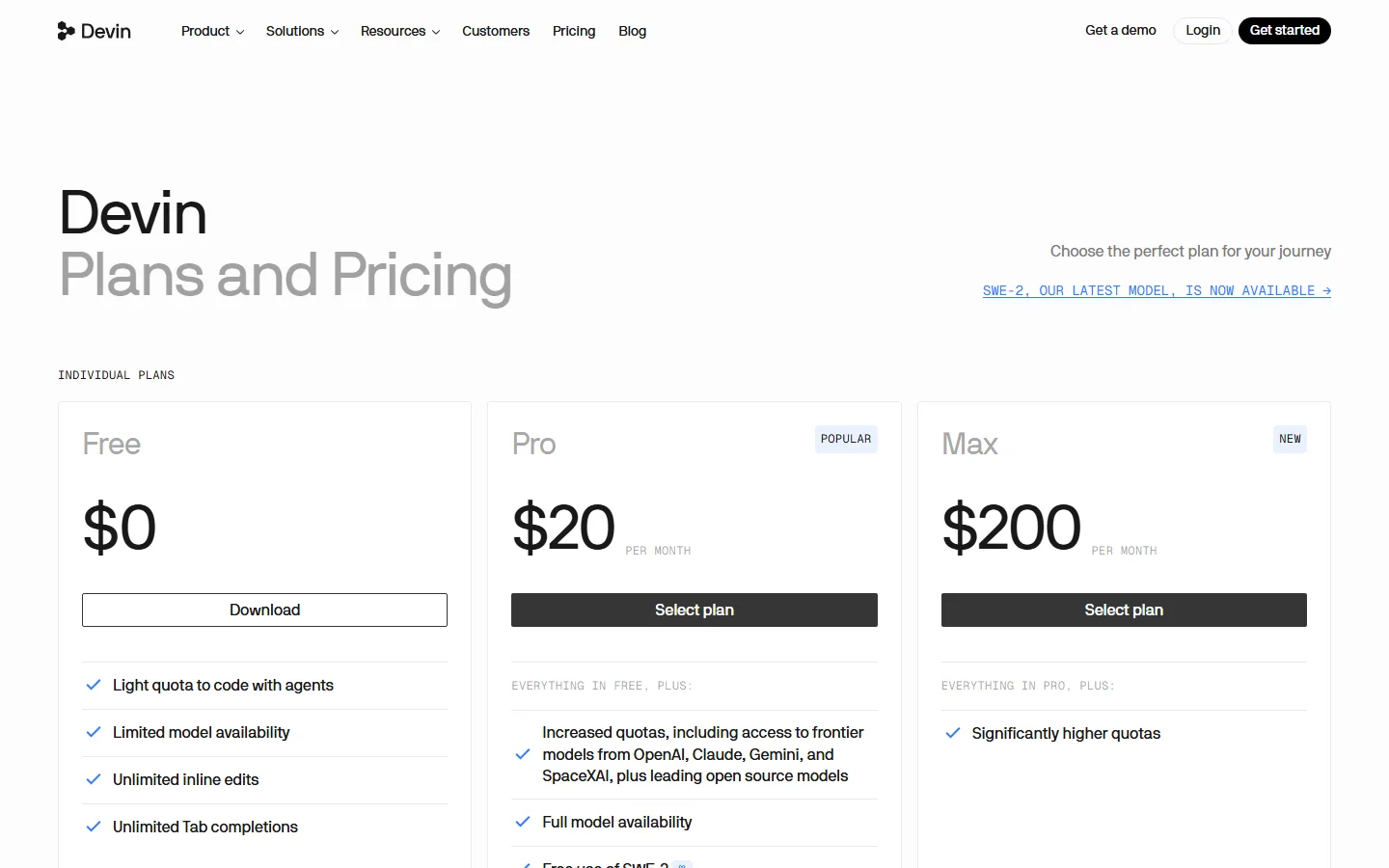
- Free: $0 — 60 fast completions/day, basic Cascade (limited)
- Pro: $15/month ($180/year) — unlimited fast completions, full Cascade, all models, priority support
- Enterprise: Custom pricing — SSO, audit logs, dedicated support
Cursor pricing:
- Free: $0 — 500 slow requests/month, limited model access
- Pro: $20/month ($240/year) — unlimited fast requests, all models, agent mode
- Business: $40/user/month — SSO, admin dashboard, security compliance
- Enterprise: Custom pricing
Annual cost comparison:
- Windsurf Pro: $180/year
- Cursor Pro: $240/year
- Savings with Windsurf: $60/year (25%)
Free tier value:
Windsurf's free tier gives 60 fast completions per day (1,800/month), while Cursor gives 500 slow requests per month. For a developer writing code 5 days a week, Windsurf's free tier provides roughly 3.6x more completions. However, Cursor's free tier includes limited agent access, while Windsurf's free Cascade is heavily restricted.
Value verdict: Windsurf Pro is the better value for individual developers at $15/month. Cursor Business at $40/user/month is expensive but includes enterprise features that Windsurf's Enterprise plan only offers at custom pricing. For a solo developer, Windsurf saves $60/year with no meaningful capability loss.
Winner: Windsurf for individual value; Cursor for enterprise feature completeness.
JetBrains & Ecosystem Support
Cursor:
- Stable JetBrains plugin for IntelliJ IDEA, PyCharm, WebStorm, GoLand, and Rider
- Full feature parity with VS Code version (completion, agent, chat)
- Regular updates alongside VS Code version
- Large extension marketplace (inherited from VS Code)
Windsurf:
- JetBrains plugin in beta — available for IntelliJ and PyCharm, but unstable
- Occasional crashes and missing features (no Cascade in JetBrains yet)
- VS Code extension compatibility is good but not perfect — some extensions conflict with Windsurf's custom UI
- Smaller community, fewer third-party tutorials and troubleshooting resources
If you are a JetBrains user, Cursor is the clear choice today. Windsurf's JetBrains plugin is not production-ready. If you live in VS Code, both editors work well, though Cursor has better extension compatibility due to its larger user base.
Winner: Cursor decisively for JetBrains; slight edge for VS Code extension compatibility.
MCP & Extension Support
Both editors support the Model Context Protocol (MCP), allowing AI models to access external tools and data sources.
Cursor MCP:
- Full MCP support with GUI configuration
- Built-in MCP server marketplace
- Supports both stdio and SSE MCP servers
- Active community creating MCP servers for Cursor specifically
Windsurf MCP:
- MCP support added in early 2026
- Configuration via JSON file (no GUI yet)
- Fewer community MCP servers optimized for Windsurf
- Works with most standard MCP servers
Both editors inherit VS Code's extension ecosystem. Cursor has better extension compatibility because it maintains a closer fork of VS Code. Windsurf modifies the UI more heavily, which can break extensions that depend on specific VS Code APIs.
Winner: Cursor for MCP maturity and extension compatibility.
Who Should Choose Windsurf
Choose Windsurf if:
- You are a solo developer or small team that wants the most aggressive auto-execution agent
- You work primarily in VS Code and do not need JetBrains
- You want to save $60/year without sacrificing capability
- You value speed — faster starts, faster completions, faster agent response
- You like the Cascade streaming UI and want to watch your code being written in real time
- You are comfortable with a smaller community and occasional beta-quality features
Windsurf is ideal for developers who want to describe a feature, then get a coffee while Cascade builds it. The auto-execution philosophy means less babysitting and more momentum.
Who Should Choose Cursor
Choose Cursor if:
- You use JetBrains IDEs and need stable AI integration
- You are part of a team or enterprise that needs SSO, admin controls, and audit logs
- You want maximum model flexibility — switching between Claude, GPT, Gemini, and local models
- You prefer a review-first workflow where you approve every AI change
- You value community support — more tutorials, more Stack Overflow answers, more extensions
- You need MCP GUI configuration and a mature plugin ecosystem
Cursor is the safer choice for organizations and developers who have not yet committed to VS Code. Its broader model support and enterprise features justify the $5/month premium for many teams.
Who Should Look Elsewhere
- Free-only users who need full agent access: Neither free tier gives you unlimited agentic coding. Consider Cline (free, open-source, runs in VS Code) or Continue (free, supports local models).
- Enterprise with strict data residency: Both editors send code to third-party model providers. Consider GitHub Copilot Enterprise with private model endpoints or Codeium Enterprise with on-prem deployment.
- Minimalists who only want autocomplete: If you do not use agentic features, GitHub Copilot at $10/month is cheaper and simpler than either.
- Emacs or Vim users: Neither editor supports these. Consider Continue.dev which works across editors.
Sources
- Windsurf Official Documentation — pricing, features, Cascade documentation
- Cursor Official Documentation — pricing, model list, JetBrains support
- G2: Windsurf vs Cursor Comparison — user reviews and feature comparison
- Reddit r/ChatGPTCoding: Windsurf vs Cursor Discussion — community experiences and benchmarks
- Our own 2-week hands-on testing with 50 coding tasks on M3 Pro MacBook Pro
Frequently Asked Questions
Is Windsurf or Cursor better?
It depends on your workflow. Windsurf is better for solo VS Code developers who want fast auto-execution and lower cost ($15/mo). Cursor is better for JetBrains users, teams needing enterprise features, and anyone who wants maximum model flexibility. In our testing, Windsurf was faster and completed multi-file refactors 30% quicker, while Cursor had better cross-file accuracy and more stable JetBrains support.
Is there anything better than Cursor?
For multi-file auto-execution, Windsurf's Cascade outperformed Cursor Agent in our 10-file refactor test (14 min vs 20 min). For free options, Cline and Continue are capable open-source alternatives that run in VS Code. For JetBrains users, Cursor remains the best option. For enterprises with data residency requirements, GitHub Copilot Enterprise may be more appropriate.
Is Windsurf part of Cursor?
No. Windsurf and Cursor are completely separate products from different companies. Windsurf is built by Codeium (Exafunction), while Cursor is built by Anysphere. They are direct competitors in the AI code editor market. Both are forks of VS Code, but they have diverged significantly in their agent architecture, model selection, and pricing.
Is Windsurf discontinued?
No. Windsurf is actively developed and updated regularly. As of 2026, it has launched SWE-1.5 (its code-specialized model), expanded MCP support, and continues to improve Cascade. The JetBrains plugin remains in beta, but the VS Code version is stable and production-ready. Windsurf has not announced any plans to discontinue.
Which is better for beginners?
Cursor is generally better for beginners. Its approval-flow agent is more forgiving — you review every change before it is applied, which helps you learn what the AI is doing. Windsurf's Cascade auto-executes more aggressively, which can be overwhelming for new developers who want to understand each change. Cursor also has a larger community with more beginner tutorials and troubleshooting resources.
Can I use both editors on the same project?
Yes. Both editors are VS Code forks and use the same workspace format. You can open the same project in either editor without conflicts. Many developers use Windsurf for aggressive feature building and Cursor for code review and refactoring. Just be aware that each editor stores its own settings and AI conversation history separately.
Related Reading
- Best AI Coding Tools 2026: I Tested 15 Editors and Agents
- GitHub Copilot vs Cursor: Which AI Editor Is Worth Your Money?
- Claude Code Review 2026: The Terminal-Based AI Programmer
Last updated: September 2026