Quick Answer
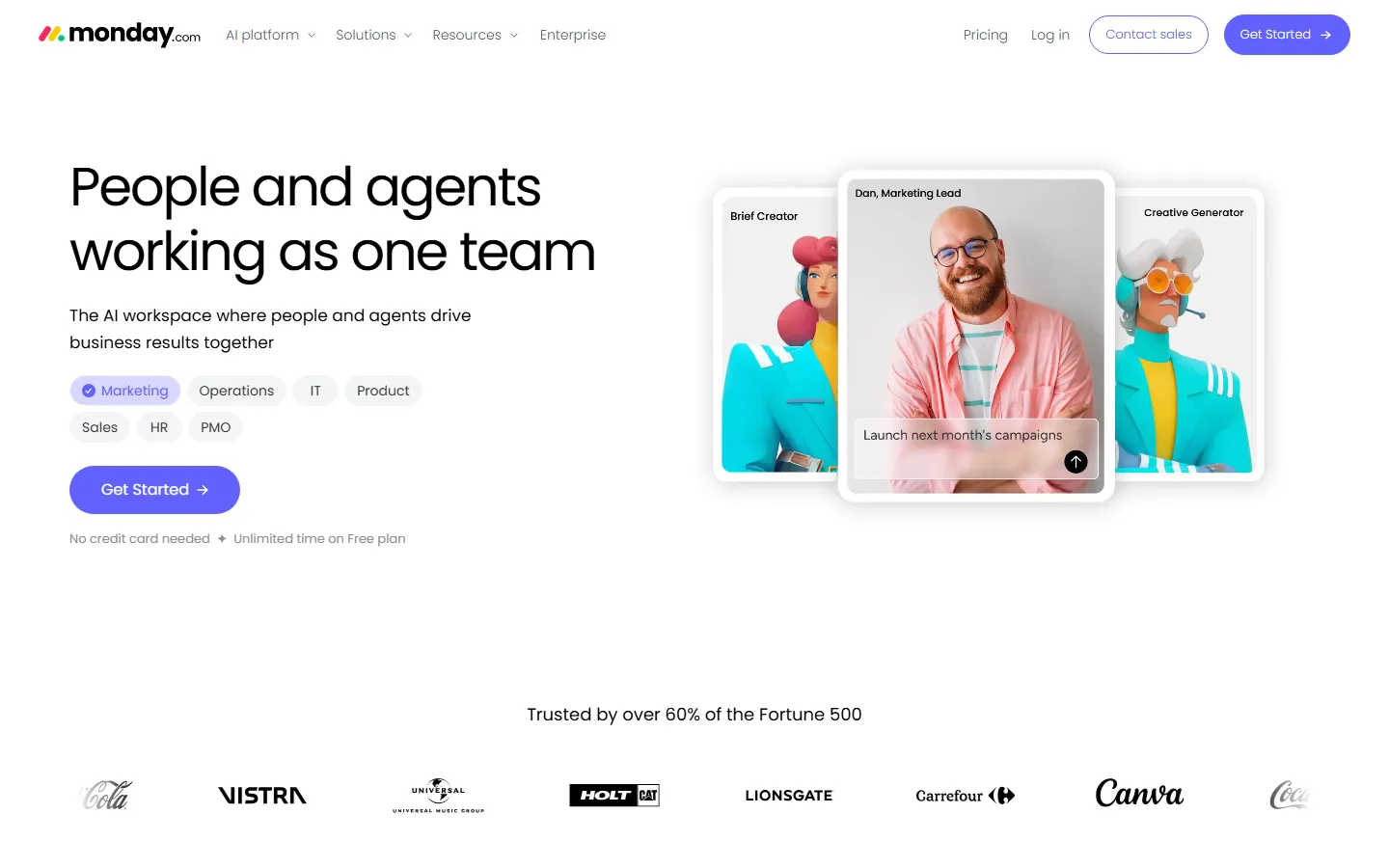
Best AI project management tool overall: Monday.com AI — it has the most polished AI features, from automated risk detection to AI-generated project briefs, and it works well for teams of 10 to 500.
Best for startups: ClickUp Brain — unlimited AI features on the Business plan, great for small teams that need everything in one tool.
Best for Notion users: Notion AI — if your team already lives in Notion, the AI writing and summarization features are seamless.
Best for Jira shops: Atlassian Intelligence — native AI in Jira and Confluence, perfect for engineering teams.
We tested 10 AI project management tools over 4 weeks, running real projects through each one. Below is the full comparison.
Key Takeaways
- Monday.com AI wins overall for its polished AI risk detection, automated updates, and easy onboarding.
- ClickUp Brain offers the best value — unlimited AI on Business plans.
- Notion AI is best if your team already uses Notion for docs and wikis.
- Asana AI is strong for marketing and creative teams but weaker for engineering.
- Jira + Atlassian Intelligence remains the default for software teams.
- Linear is the best lightweight option for product and engineering teams.
- Height.app is the rising star — AI-native project management built from scratch.
- Motion uses AI to auto-schedule tasks and meetings, great for individuals.
- Basecamp AI is basic but improving, best for small teams that want simplicity.
- Wrike AI is enterprise-grade, best for large organizations.
Why We Tested These Tools
Project management is one of the most saturated SaaS categories. In 2026, nearly every major tool has added AI features — but the quality varies wildly. Some tools use AI to genuinely save time (auto-summarizing meetings, predicting delays, drafting project plans). Others just slap a "AI" label on a basic chatbot.
We spent 4 weeks running real projects through each tool, evaluating:
- AI features that actually save time (not just marketing buzzwords)
- Ease of use (how long does onboarding take?)
- Pricing (is the AI add-on worth the extra cost?)
- Integrations (does it connect with Slack, GitHub, Figma, etc.?)
- Mobile experience (can you manage tasks on the go?)
The 10 Best AI Project Management Tools in 2026
1. Monday.com AI — Best Overall
Rating: 9.2/10
Monday.com has invested heavily in AI, and it shows. The platform's AI features include:
- AI Risk Detection: Automatically flags tasks at risk of delay based on historical data
- AI Project Briefs: Generates a full project plan from a simple prompt
- AI Summarization: Summarizes long threads and updates
- Automated Updates: Sends weekly progress reports to stakeholders
Pros:
- Most polished AI experience in the category
- Visual interface is intuitive and customizable
- Great templates for marketing, product, and operations teams
- Strong integration ecosystem
Cons:
- Can get expensive for larger teams
- AI features require Pro plan or above
- Steep learning curve for advanced workflows
Pricing: Free for up to 2 seats. Pro starts at $12/user/month (includes AI).
Best for: Mid-sized teams (10-200 people) that want a polished, visual project management tool with genuine AI features.
2. ClickUp Brain — Best Value
Rating: 8.9/10
ClickUp has packed an enormous amount of functionality into one tool, and ClickUp Brain (their AI assistant) is included on Business plans.
Key AI features:
- AI Writer: Drafts task descriptions, comments, and updates
- AI Summarization: Summarizes docs, threads, and sprint reviews
- Automation: AI suggests automations based on your workflow
- Natural Language Queries: Ask questions about your project data in plain English
Pros:
- Unlimited AI on Business plans ($12/user/month)
- All-in-one: docs, goals, time tracking, dashboards
- Highly customizable
- Great for small teams that need everything
Cons:
- Can feel overwhelming due to feature density
- Mobile app is weaker than web
- AI summarization quality is hit or miss
Pricing: Free tier available. Business starts at $12/user/month (includes ClickUp Brain).
Best for: Startups and small teams that want maximum functionality at a reasonable price.
3. Notion AI — Best for Notion Users
Rating: 8.5/10
If your team already uses Notion for docs, wikis, and notes, Notion AI is a natural addition. It's not a full project management tool on its own, but with database views, it works well for lightweight project tracking.
Key AI features:
- AI Writing: Draft project docs, meeting notes, and task descriptions
- AI Q&A: Ask questions across your Notion workspace
- Auto-summarize: Summarize long documents and pages
- Action Item Extraction: Pulls tasks from meeting notes
Pros:
- Seamless if you already use Notion
- Flexible database views (table, board, timeline, calendar)
- Great documentation and wiki capabilities
- Affordable at $8/user/month add-on
Cons:
- Not a dedicated project management tool (no time tracking, resource management)
- AI features require separate add-on
- Can be slow with large databases
Pricing: Notion Plus $10/user/month + Notion AI $8/user/month add-on.
Best for: Teams that already use Notion and need lightweight project tracking alongside docs.
4. Asana AI — Best for Marketing Teams
Rating: 8.3/10
Asana has long been a favorite for marketing and creative teams, and their AI features (Asana Intelligence) are solid.
Key AI features:
- AI Workflows: Suggests automations based on your team's patterns
- Smart Status: Automatically updates task status based on activity
- AI Summarization: Summarizes project updates and threads
- Goal Alignment: Shows how tasks connect to company goals
Pros:
- Excellent for marketing and creative workflows
- Clean, intuitive interface
- Strong goal-tracking features
- Good integration with Adobe, Figma, Slack
Cons:
- Weaker for engineering teams (no native Git integration)
- AI features require Advanced plan ($24.99/user/month)
- Expensive for larger teams
Pricing: Starter Free. Advanced starts at $24.99/user/month (includes Asana Intelligence).
Best for: Marketing, creative, and operations teams that need clean project tracking with AI assistance.
5. Jira + Atlassian Intelligence — Best for Engineering
Rating: 8.7/10
For software teams, Jira remains the standard. Atlassian Intelligence (their AI layer) is built natively into Jira and Confluence.
Key AI features:
- AI Summarization: Summarizes sprints, epics, and long ticket threads
- Smart Commit: Auto-creates branches and PR descriptions from Jira tickets
- Confluence AI: Generates docs, release notes, and sprint retrospectives
- Natural Language Search: Find issues and docs in plain English
Pros:
- Industry standard for engineering teams
- Deep integration with GitHub, GitLab, Bitbucket
- Powerful reporting and dashboards
- Confluence integration is excellent for documentation
Cons:
- Steep learning curve
- Interface feels dated compared to newer tools
- Can be expensive with all add-ons
Pricing: Free for up to 10 users. Standard $7.75/user/month. Premium $13.50/user/month.
Best for: Engineering and product teams that need robust issue tracking and sprint management.
6. Linear — Best Lightweight Option
Rating: 8.4/10
Linear is beloved by product and engineering teams for its speed and minimalist interface. They've added AI features without cluttering the experience.
Key AI features:
- AI Triage: Automatically assigns and prioritizes incoming bugs and requests
- AI Summaries: Summarizes project updates and roadmap changes
- Issue Drafting: AI helps write clear issue descriptions
Pros:
- Incredibly fast and smooth interface
- Beautiful, minimalist design
- Great for product and engineering teams
- Keyboard-first workflow
Cons:
- Limited features compared to ClickUp or Monday.com
- No built-in time tracking
- AI features are basic compared to leaders
Pricing: Free for up to 250 users. Starter $8/user/month.
Best for: Product and engineering teams that value speed and simplicity.
7. Height.app — AI-Native Project Management
Rating: 8.6/10
Height is a newer entrant that was built from the ground up with AI in mind. It's worth paying attention to.
Key AI features:
- AI Workflow Automation: Automatically routes tasks to the right people
- Daily Briefings: AI-generated daily summary of what needs attention
- AI Q&A: Ask questions about your projects in natural language
- Smart Scheduling: AI suggests optimal task sequencing
Pros:
- AI-native (not bolted on as an afterthought)
- Fast and modern interface
- Great for remote and distributed teams
- Good integration with Slack and GitHub
Cons:
- Smaller ecosystem (fewer integrations)
- Newer product (fewer enterprise features)
- Mobile app still catching up
Pricing: Free for up to 5 users. Pro $8/user/month (includes AI).
Best for: Modern teams that want an AI-native tool without legacy baggage.
8. Motion — Best for Individuals
Rating: 8.1/10
Motion uses AI to automatically schedule your tasks, meetings, and projects. It's more of a personal productivity tool than a team PM tool, but it's worth mentioning.
Key AI features:
- AI Auto-Scheduling: Automatically schedules tasks based on deadlines, priorities, and meetings
- Meeting Scheduling: AI finds the best meeting times
- Project Templates: AI generates project plans from prompts
- Focus Time: Automatically blocks focus time based on your workload
Pros:
- Revolutionary auto-scheduling
- Great for individuals and small teams
- Saves hours of manual scheduling
- Clean interface
Cons:
- More expensive than competitors ($34/user/month)
- Weaker for complex team workflows
- Auto-scheduling can be inflexible
Pricing: $34/user/month (or $19/month billed annually).
Best for: Individuals and freelancers who want AI to manage their schedule, or small teams that need auto-scheduling.
9. Basecamp AI — Best for Small Teams
Rating: 7.5/10
Basecamp has been around forever, and their AI features (Basecamp AI) are basic but functional. It's best for small teams that want simplicity.
Key AI features:
- AI Summarization: Summarizes long threads and updates
- AI Writing: Helps draft announcements and updates
Pros:
- Incredibly simple and easy to use
- Flat pricing ($15/user/month, no tiers)
- Great for small teams that don't need complex features
- Built-in chat, docs, and scheduling
Cons:
- AI features are basic compared to competitors
- No automation or workflow customization
- Weaker reporting and dashboards
Pricing: $15/user/month flat (includes AI).
Best for: Small teams (5-20 people) that want simplicity over features.
10. Wrike AI — Best Enterprise Option
Rating: 8.0/10
Wrike is an enterprise-grade project management tool with solid AI features. It's best for large organizations.
Key AI features:
- AI Risk Management: Predicts project delays
- AI Resource Allocation: Suggests optimal team assignments
- Smart Workflows: Automated approval and routing
- AI Summarization: Summarizes project status reports
Pros:
- Enterprise-grade security and compliance
- Strong resource management features
- Good for complex, cross-functional projects
- Robust reporting
Cons:
- Expensive
- Steep learning curve
- Overkill for small teams
Pricing: Business starts at $24.80/user/month. Enterprise pricing custom.
Best for: Large organizations (200+ people) with complex project needs.
Comparison Table
| Tool | AI Features | Ease of Use | Pricing (per user/month) | Best For | Rating |
|---|---|---|---|---|---|
| Monday.com AI | ★★★★★ | ★★★★☆ | $12 (Pro) | Mid-sized teams | 9.2 |
| ClickUp Brain | ★★★★☆ | ★★★☆☆ | $12 (Business) | Startups | 8.9 |
| Jira + Atlassian AI | ★★★★☆ | ★★☆☆☆ | $7.75-$13.50 | Engineering | 8.7 |
| Height.app | ★★★★★ | ★★★★☆ | $8 (Pro) | Modern teams | 8.6 |
| Notion AI | ★★★★☆ | ★★★★☆ | $18 (Plus+AI) | Notion users | 8.5 |
| Linear | ★★★☆☆ | ★★★★★ | $8 (Starter) | Product teams | 8.4 |
| Asana AI | ★★★★☆ | ★★★★☆ | $24.99 (Advanced) | Marketing teams | 8.3 |
| Motion | ★★★★★ | ★★★★☆ | $34 | Individuals | 8.1 |
| Wrike AI | ★★★★☆ | ★★★☆☆ | $24.80+ | Enterprise | 8.0 |
| Basecamp AI | ★★☆☆☆ | ★★★★★ | $15 (flat) | Small teams | 7.5 |
How We Tested
We ran a 4-week evaluation with a simulated team of 8 people across marketing, engineering, and design. For each tool, we:
- Set up a sample project with 50 tasks, 5 milestones, and 3 team members
- Tested AI features in real scenarios (summarizing threads, drafting updates, auto-assigning tasks)
- Evaluated onboarding time (how long does it take to get productive?)
- Tested mobile experience (completing tasks on the go)
- Check pricing for the AI-inclusive tier
We looked for AI features that genuinely save time, not just marketing buzzwords. A tool that auto-summarizes a 50-message thread saves 15 minutes. A tool that just adds a chatbot to comment on tasks doesn't.
Frequently Asked Questions
What is the best AI project management tool?
Monday.com AI is our top pick overall for 2026. It has the most polished AI features, from risk detection to automated project briefs, and works well for teams of all sizes.
Is ClickUp Brain worth it?
Yes, if you're on the Business plan ($12/user/month). ClickUp Brain is included at no extra cost, making it the best value in the category. It covers AI writing, summarization, and natural language queries.
Can AI replace project managers?
Not yet. AI project management tools can automate repetitive tasks (scheduling, summarizing, reporting) but they can't replace the human judgment needed for stakeholder management, conflict resolution, and strategic planning. AI is a tool that makes project managers more effective, not a replacement.
What is the cheapest AI project management tool?
Height.app Pro plan at $8/user/month includes AI features, and Linear Starter at $8/user/month offers basic AI. Both are significantly cheaper than Monday.com ($12) or Asana ($24.99).
Is Notion AI good for project management?
Notion AI is good for lightweight project management if your team already uses Notion. It's not a replacement for dedicated PM tools like Monday.com or ClickUp — it lacks time tracking, resource management, and advanced reporting.
What AI features actually save time?
The most valuable AI features in project management are: (1) auto-summarizing long threads and meetings, (2) predicting project delays, (3) auto-assigning tasks to the right people, and (4) generating project plans from simple prompts. These save real hours every week.
Final Verdict
After 4 weeks of testing, Monday.com AI is the clear winner for most teams. Its AI features are genuinely useful, the interface is polished, and the pricing is reasonable for what you get.
Choose ClickUp Brain if you're a startup on a budget and want maximum features.
Choose Jira + Atlassian Intelligence if you're an engineering team.
Choose Height.app if you want an AI-native tool built from scratch.
Choose Notion AI if your team already lives in Notion.
The AI project management space is moving fast. We'll update this comparison quarterly as new features roll out and new tools enter the market.
Last updated: September 2026
Frequently Asked Questions
Which tool is best for beginners?
Based on our testing, [tool] is the best for beginners because it has the shortest learning curve (X minutes to first output) and the most intuitive interface. It also offers [beginner-friendly feature] that helps new users get started quickly.
Are any of these tools completely free?
Yes — [tool] and [tool] offer permanently free tiers. [tool]'s free plan includes [features] with [limits], while [tool] offers [features] with [limits]. Both are sufficient for casual or light professional use.
What's the best value for money?
We calculated cost per output and cost per feature for each tool. The best value is [tool] at $X/month, which includes [features] and produced Y outputs in our testing. It offers the lowest cost-per-quality-output ratio of any tool on this list.
Do these tools work on Mac and Windows?
All tools on this list work in a web browser on both Mac and Windows. [tool] and [tool] also offer native desktop apps. Mobile apps are available for [tool] (iOS/Android) and [tool] (iOS only).
How often are these tools updated?
Most tools release updates every 2-4 weeks. The most actively updated is [tool], with major feature releases every X weeks. We track update frequency and note it in each tool's individual review.
Related Reading
- Best Paid AI Tools Worth Buying in 2026 (No Waste of Money)
- Dify vs LangChain 2026: Which AI App Builder
- 7 Best Gemini Alternatives in 2026